It's the panel that shows up when someone searches your business name, and it puts you on Google Maps and in the local "near me" results that send customers to your door. Below is everything, in order.
Before you start
Spend two minutes gathering these and the setup will actually take 10 minutes:
- Your exact business name, written the way it appears on your website.
- Your address, or your service area if you go to customers rather than them coming to you (mobile hairdressers, plumbers, dog groomers).
- Your phone number and website URL. These should match your website and any directory listings.
- Your main business category (café, electrician, accountant).
- Your opening hours, including any days you're closed.
- A few photos: your logo plus a handful of real shots of your premises, work, or products.
The 10-minute setup
-
Go to the Google Business Profile site
Head to google.com/business and click Manage now.
-
Sign in to your Google account
If you don't have one, create it. It's free and takes a couple of minutes. Use the account you're happy to manage the business from long-term.
-
Enter your business name and category
Type your name exactly as it appears on your signage. If it pops up in the dropdown, claim that rather than making a duplicate. And don't stuff keywords in (no “Dave's Plumbing Hull Emergency 24hr”), because Google can suspend you for it. For category, search Google for your service and your town, like “electrician Hull”, and use the same one the top map listings have.
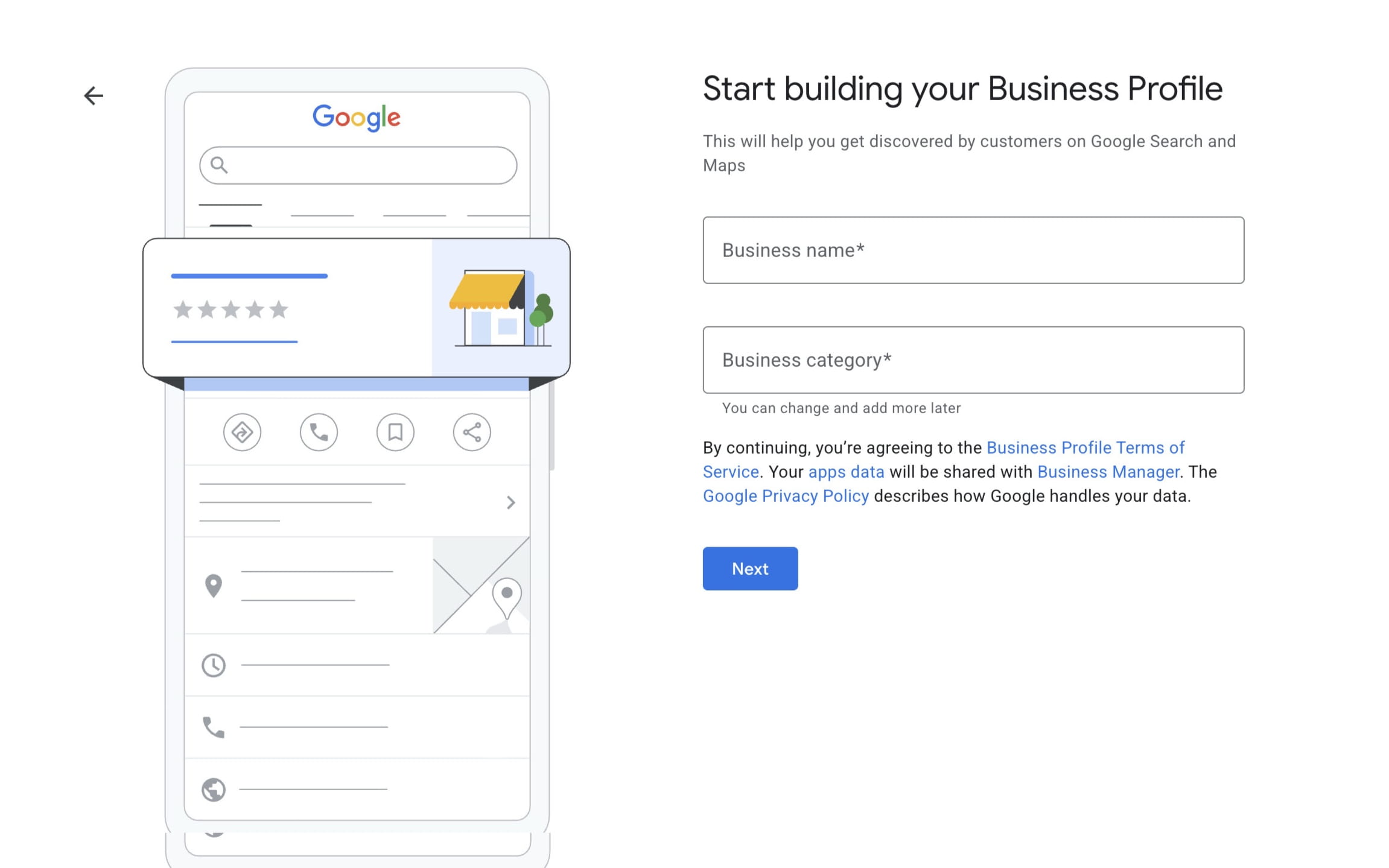
The first screen: your business name and category. -
Say whether customers can visit you
Say yes if you've got a place customers come to, like a shop or office, and you'll add the address. Say no if you go out to them, like plumbers or mobile groomers, and your home address stays private.
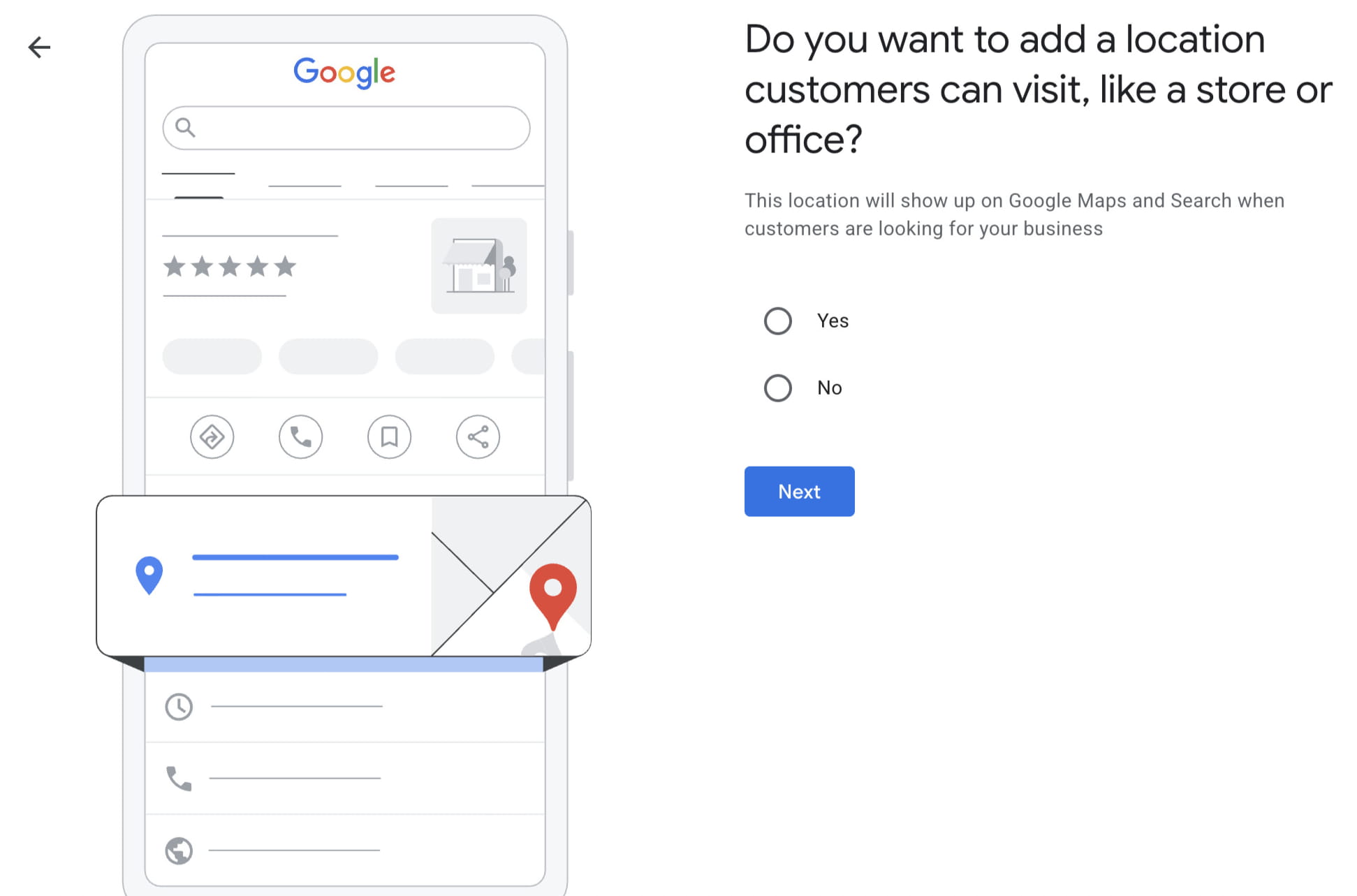
Google asks whether customers can visit you. -
Set the areas you serve
If you travel to customers, list the places you cover, like Hull and the surrounding East Yorkshire towns. Keep it to where you actually work, rather than casting the net too wide.
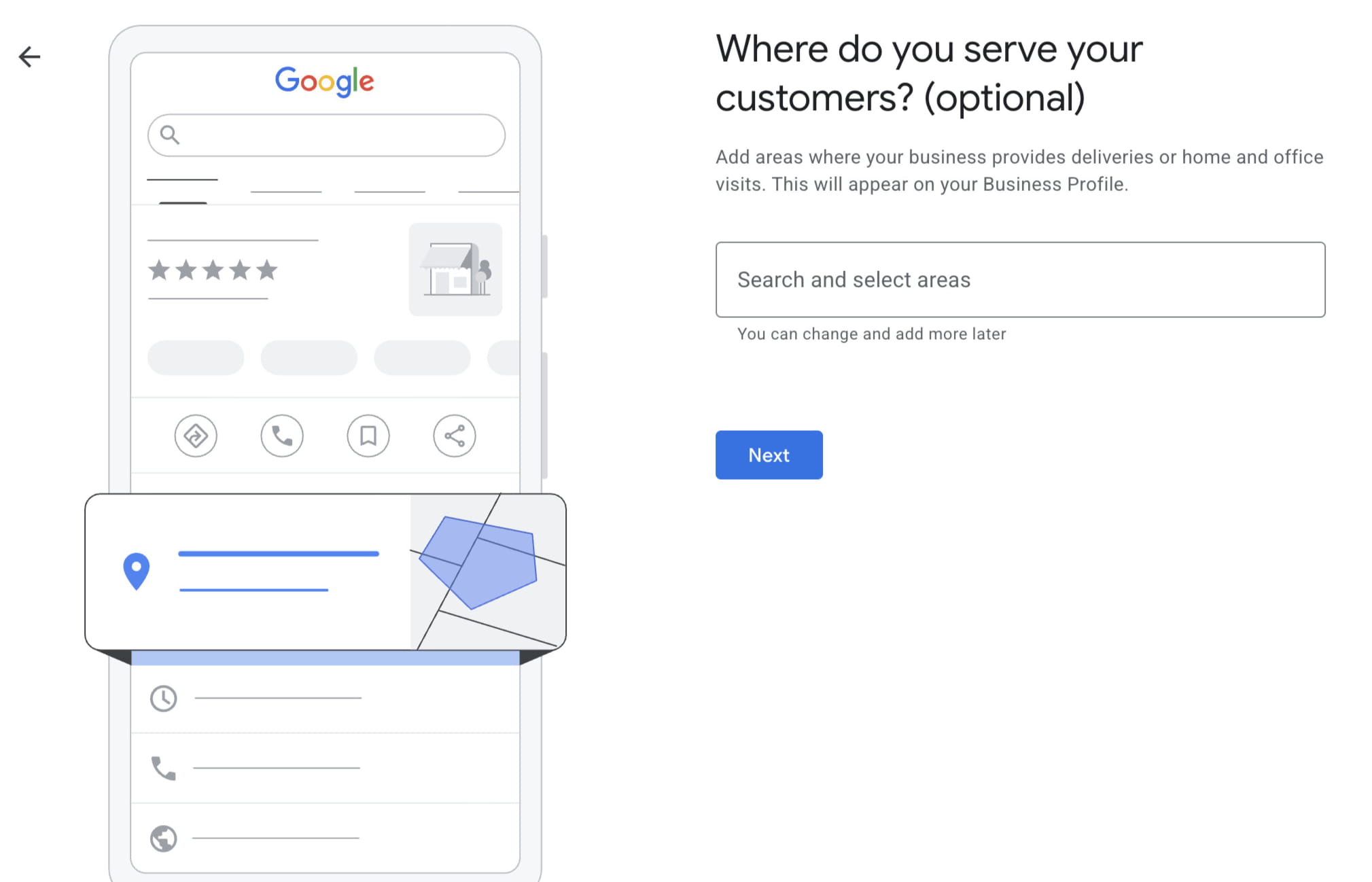
Setting the areas you cover, if you go out to customers. -
Confirm your region
A quick one: pick the country your business is based in. For you that's the United Kingdom.
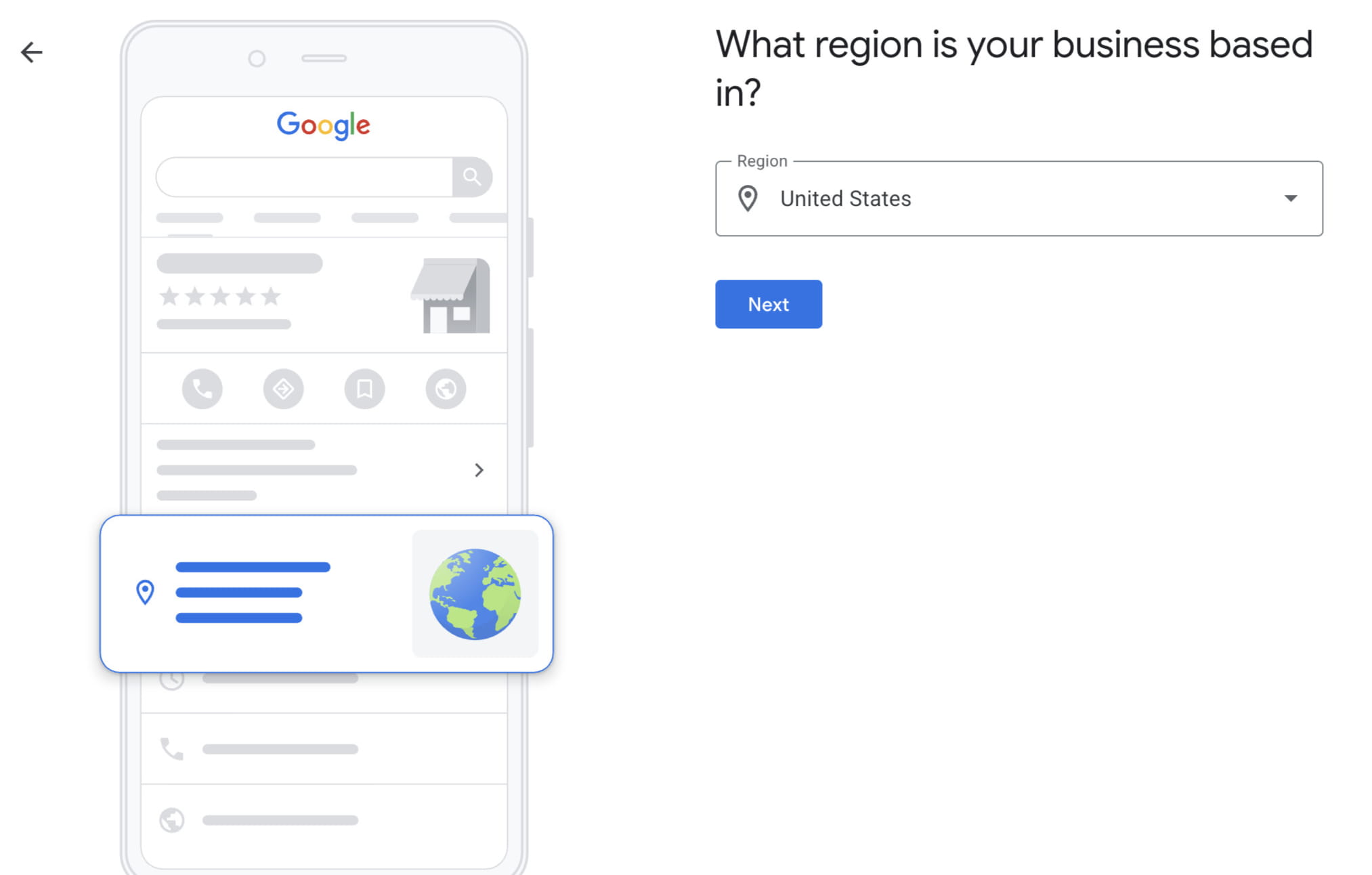
Choosing your country. -
Add your contact details
Your phone number and website. Keep these the same as what's on your site and other listings, because consistency helps you rank.
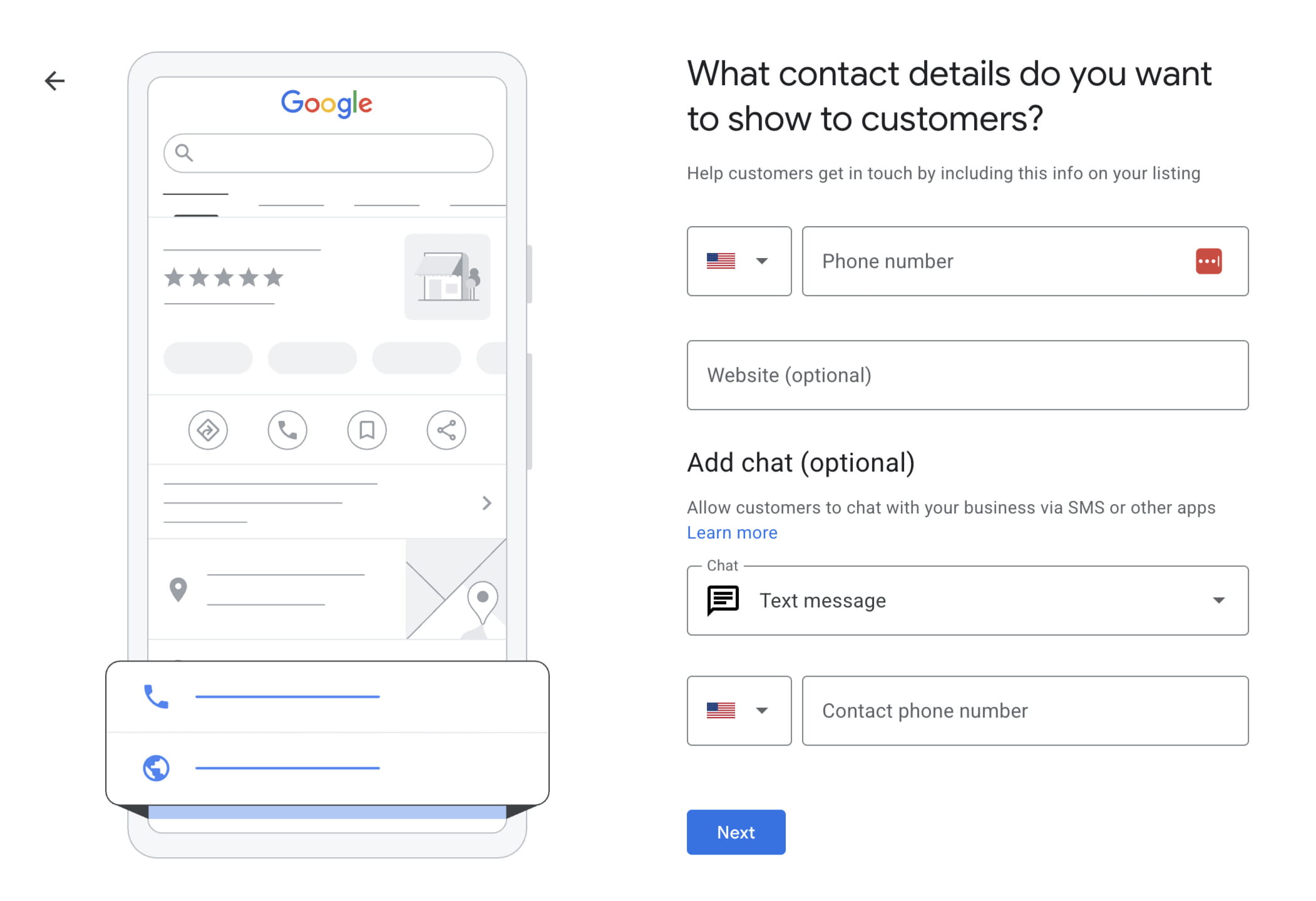
Your phone number and website go in here.
That's the setup done, in about 10 minutes.
Verification: the part that takes longer
Your profile won't go live until Google confirms you're really the owner, and this is the step that can drag on, so it's worth knowing what to expect.
You don't get to choose how you verify. Google decides based on your business type, category, location and account history, then offers you a method. For most new businesses in 2026 that means video verification: you record a short video, or do a live call, showing your signage, your surroundings, the inside of your premises, and proof you run the place (unlocking the door, your tools, your till). Avoid filming faces or sensitive documents. It's usually reviewed within 24 to 72 hours.
Phone or text gives you an instant code sent to your business number. Email works the same way, usually to an address on your website's domain. If your website is already verified in Google Search Console, Google may verify you instantly. And the old postcard method posts a code to your address, though it's now rare. If you do get a postcard, allow 5 to 14 days, and don't request a new one early because that cancels the first code.
Finish your profile
Once you're verified, fill in the rest: your opening hours, your services or products, a business description, your photos (logo, a cover image and several real shots), and any attributes that apply, like wheelchair access, free Wi-Fi or dog friendly.
Two of those are easy to skip and shouldn't be. Most people leave the services list blank, so fill it in, describing each thing you do the way a customer would say it. Your hours can win you work too. If the other lot round here shut at 5, set yours to 6 or 7 and answer the phone, and you'll be one of the few showing as open when someone's looking in the evening.
Answer questions before they're asked
Your profile has a questions and answers section, and anyone can post there, you included. Add the handful you get asked all the time: prices, the areas you cover, whether you do emergencies, how to book. Answer them yourself in plain English.
Getting reviews
Reviews carry a lot of weight with Google, and they're often the last thing a customer checks before getting in touch. Once you're verified you can share a direct review link, found in your profile dashboard under “Ask for reviews”, and send it to happy customers by text or email, or turn it into a QR code for your counter or receipts.
Reply to every review, good or bad. A calm, helpful response to a complaint often impresses future customers more than a row of five stars. Don't buy reviews, don't offer discounts in exchange for them, and don't only ask the customers you already know are happy.
Mistakes to avoid
- Keyword-stuffing your business name, which risks suspension.
- Inconsistent name, address or phone across your website and listings.
- Editing your name, address or category during verification, which resets the whole process.
- Blurry or incomplete verification videos, a common reason for rejection.
- Creating a duplicate instead of claiming a listing that already exists.
In short
You can set up your Google Business Profile in 10 minutes. Whether it's live in 10 minutes or a few days comes down to how Google asks you to verify, and that part is out of your hands. It costs nothing, and for a local business that's hard to beat for the time it takes.
Google's own verification help stays current with the exact options available for your account. Once you're verified, the bigger question is why some competitors still rank above you locally — that's where the steady work starts.
Rather we did it for you?
I build done-for-you five-page websites for UK small businesses — written, hosted and live in a week. Google profile and socials available as separate services.
Get my website for £199 →